Array Methods You Must Know
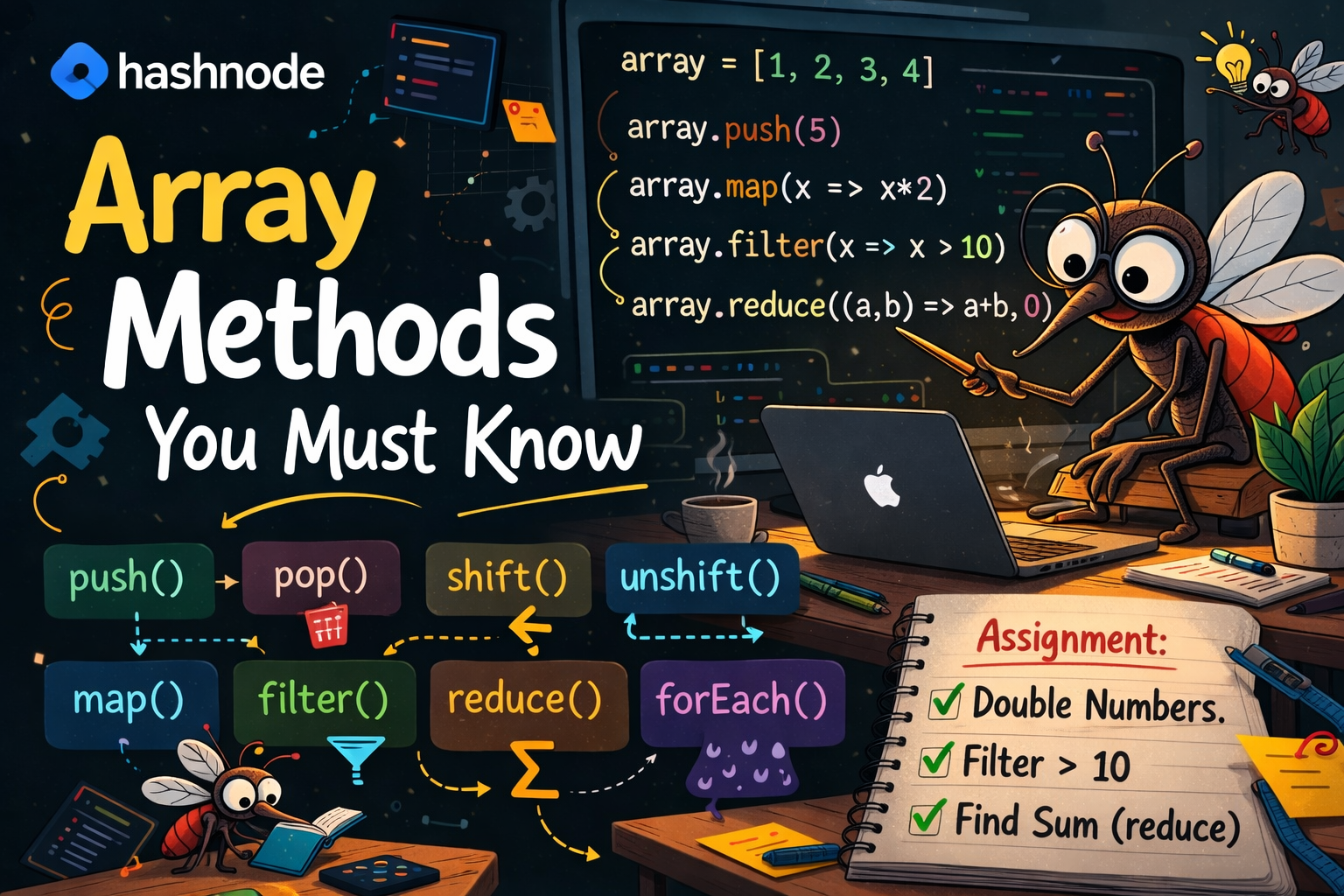
If you have been writing JavaScript for even a short while, you have already used arrays — those neat lists wrapped in square brackets. But arrays are not just storage boxes. JavaScript gives every array a rich set of built-in methods that let you add, remove, transform, and inspect data without writing long, repetitive loops.
This article walks through the six most important array methods every beginner must learn. Each one is explained in plain language, with a practical example and a clear picture of what your array looks like before and after. Open your browser console alongside this article and try every example as you read — there is no better way to learn.
push () and pop()
Think of your array as a stack of plates. push() places a new plate on top of the stack. pop() removes the plate from the top. Both methods work at the end of the array.
push() — Add to the End
Examplelet fruits = ["apple", "banana"];

fruits.push("mango");

console.log(fruits); // ["apple", "banana", "mango"]
Before push()
["apple", "banana"]
After push("mango")
["apple", "banana", "mango"]
pop() — Remove from the End
Examplelet fruits = ["apple", "banana", "mango"];

let removed = fruits.pop();

console.log(fruits);   // ["apple", "banana"]
console.log(removed);  // "mango"
Before pop()
["apple", "banana", "mango"]
After pop()
["apple", "banana"]
💡 Try it: Open your browser console (press F12 → Console tab), type these examples, and watch the results appear instantly.
Method 03 & 04
shift() and unshift()
These are the mirror image of push and pop . Instead of working at the end , they work at the beginning of the array . unshift() adds to the front ; shift() remove from the front .
unshift() — Add to the Beginning
Examplelet queue = ["Bob", "Charlie"];

queue.unshift("Alice");

console.log(queue); // ["Alice", "Bob", "Charlie"]
shift() — Remove from the Beginning
Examplelet queue = ["Alice", "Bob", "Charlie"];

let first = queue.shift();

console.log(queue);  // ["Bob", "Charlie"]
console.log(first);  // "Alice"
Before shift()
["Alice", "Bob", "Charlie"]
After shift()
["Bob", "Charlie"]
| Method | Where it acts | What it does |
|---|---|---|
| push() | End | Adds one or more items |
| pop() | End | Removes & returns last item |
| unshift() | Beginning | Adds one or more items |
| shift() | Beginning | Removes & returns first item |
map()
map() is one of the most powerful methods you will use . It goes through every item in the array, applies a function you provide, and returns a brand new array with the transformed results. The original array is never changed .
Imagine a factory assembly line: each item goes in , gets processed , and comes out transformed on the other side .
How map() Works — Flowchart
123ORIGINAL ARRAYx => x * 2your function246NEW ARRAYEach element is transformed. Original stays unchanged.
Examplelet numbers = [1, 2, 3, 4];

let doubled = numbers.map(function(num) {
  return num * 2;
});

console.log(doubled);  // [2, 4, 6, 8]
console.log(numbers); // [1, 2, 3, 4]  ← unchanged!
Original array
[1, 2, 3, 4]
After map(num * 2)
[2, 4, 6, 8]
Compare with a traditional for loop:
| Traditional for loop | Using map() |
|---|---|
let doubled = [];
for (let i = 0; i < numbers.length; i++) {
  doubled.push(numbers[i] * 2);
}
let doubled = numbers.map(function(num) {
  return num * 2;
});
Key Point : map() always returns a new array of the same length as the original . It never skips items
filter()
filter() goes through every item and keeps only those that pass a test you define . If the test returns true, the item is kept . If it returns false it is left out . The result is a new array — often shorter than the original .
How filter() Works — Flowchart
INPUT ARRAY[5, 12, 3, 18, 7, 20]Test:num > 10 ?true ✓[12, 18, 20]kept in new arrayfalse ✗removed
Examplelet scores = [45, 72, 33, 88, 61];

let passed = scores.filter(function(score) {
  return score >= 60;
});

console.log(passed); // [72, 88, 61]
Original scores
[45, 72, 33, 88, 61]
After filter(score ≥ 60)
[72, 88, 61]
| Traditional for loop | Using filter() |
|---|---|
let passed = [];
for (let i = 0; i < scores.length; i++) {
  if (scores[i] >= 60) {
    passed.push(scores[i]);
  }
}
let passed = scores.filter(function(score) {
  return score >= 60;
});
Key Difference from map(): map() always returns an array of the same length. filter() may return a shorter array because some items are removed
reduce()
reduce() takes an array and reduces it to a single value — like calculating a grand total. It is the most abstract of these methods, so we will keep it simple: think of it as having a running total that grows as you move through each item.
The function receives two arguments: an accumulator (your running total so far) and the current item (the item being processed right now). You also provide a starting value.
reduce() — Accumulating Values Step by Step
Array: [10, 20, 30, 40] | Start: 0acc=0, cur=100+10 = 10Step 1acc=10, cur=2010+20 = 30Step 2acc=30, cur=3030+30 = 60Step 3acc=60, cur=4060+40 = 100Step 4Result100
Examplelet numbers = [10, 20, 30, 40];

let total = numbers.reduce(function(accumulator, current) {
  return accumulator + current;
}, 0); // ← 0 is the starting value

console.log(total); // 100
How to read it: "Start with 0. For each number, add it to what you have collected so far. When you reach the end, give me the final result." That is reduce() in one sentence.
The second argument (0) is your starting point. If you were multiplying instead of adding, you would start with 1. Always choose the starting value that makes sense for your operation.
forEach()
forEach() is the simplest of the group. It runs a function for each item in the array. It does not return anything — it is purely for performing an action, like printing to the console, updating the page, or sending data somewhere.
Examplelet students = ["Alice", "Bob", "Charlie"];

students.forEach(function(name) {
  console.log("Hello, " + name + "!");
});

// Hello, Alice!
// Hello, Bob!
// Hello, Charlie!
| Method | Returns | Best used for |
|---|---|---|
| map() | New array (same length) | Transforming every item |
| filter() | New array (may be shorter) | Selecting items matching a condition |
| reduce() | A single value | Summing, counting, combining |
| forEach() | Nothing (undefined) | Running actions on each item |
forEach vs map - If you need the results collected in a new array, use map()
If you just want to do something with each item — like log it or display it — use forEach()
Hands-On Assignment
Put everything together with this practical exercise. Try it in your browser console or a code editor.
Create an array of numbers: [3, 7, 12, 5, 18, 9, 25, 2, 14]
Use map() to double every number in the array
Use filter() on the doubled array to keep only numbers greater than 10
Use reduce() on the filtered array to calculate the total sum


